How to Jailbreak the iPhone 2G
1.) Plug your iPhone into iTunes, do a backup and then click
Update to install firmware 3.1.2. After the update, eject your iPhone from iTunes using the eject button and close iTunes. Leave your iPhone connected to your computer.
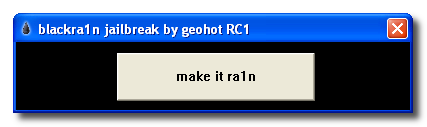
2.) Click on the PC or Mac links to download Blackra1n for
PC or
MAC. Save the file to your computer desktop.
3.) Locate the downloaded file
Blackra1n and double-click on it.
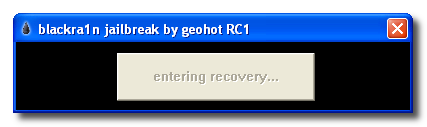
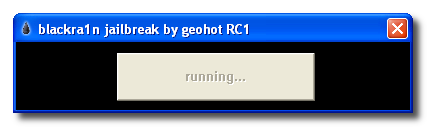
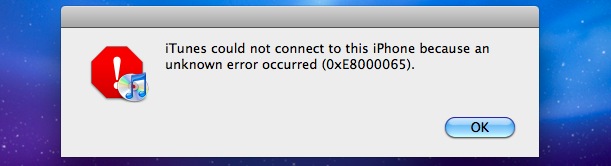
4.) Your iPhone will now enter into Recovery Mode. If iTunes opens, simply close it.
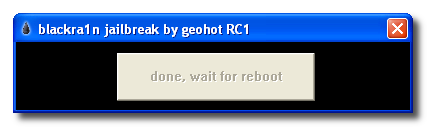
5.) After the reboot, Blackra1n will indicate that your iPhone has been jailbroken. Click
OK. You can also close Blackra1n now if it is still open.
6.) Once at your iPhone home-screen, go to Settings > WiFi and turn on WiFi.
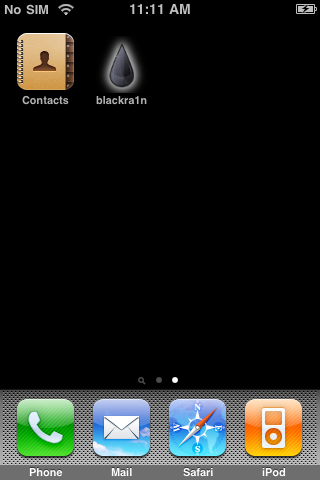
7.) On your iPhone home-screen, you will see a new
Blackra1n icon. Tap on it.
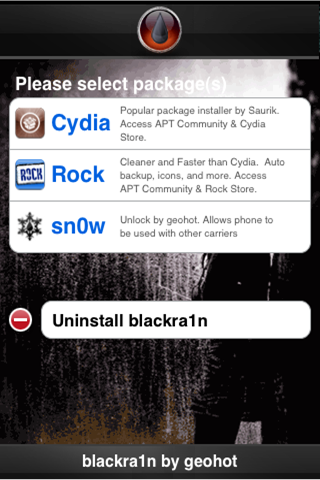
8.) When Blackra1n opens, tap on
Cydia (or Rock) and tap
Install in the top right corner.
9.) Cydia (or Rock) will now be visible on your iPhone home-screen. Your iPhone is now Jailbroken.
How to Unlock the iPhone 2G
1.)On your iPhone home-screen, tap on the
Blackra1n icon.
2.) In the Blackra1n app, tap on
Cydia to install Cydia. (If you already installed Cydia, move to Step 3)
3.) Cydia will prompt you for updates. Tap on
Complete Upgrade and install them all
.
4.) In
Cydia, search for the app
BootNeuter and
install the app.
5.) Open
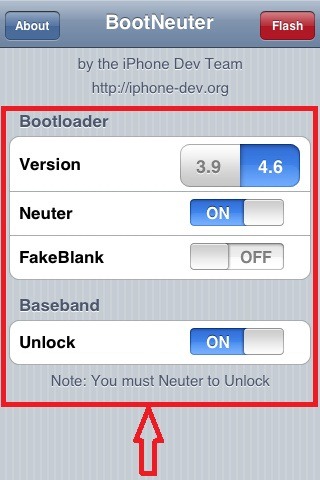
BootNeuter and make sure the settings
match the image below:
6.) When the settings
match the above image, tap on
Flash in the top right corner. The iPhone 2G will now be unlocked.
http://www.blackra1n.com
Download hiyo software hapa